

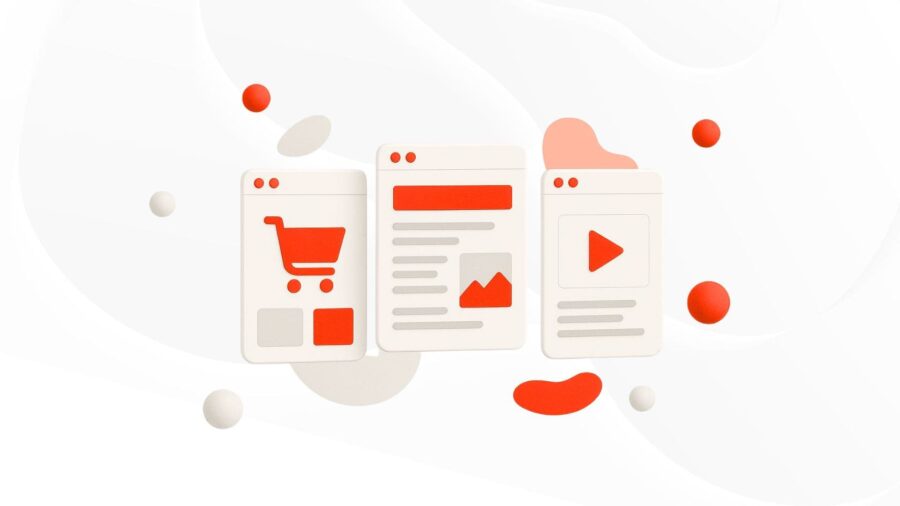
WHAT TYPES OF SITES ARE THERE?
-
Post author

-


At the beginning, websites were only used to share information. They had simple text content without any links or interactive features. In 1991, British scientist Tim Berners-Lee published the first website ever. Since then, websites have been used for many different purposes. The way a website is built—its structure, features, and design—depends on who it’s made for and what the owner’s goal is. There are many types of websites, and we’ll look at the most popular ones.
What Is This About?
- The purpose and types of websites
- Types of informational websites
- Commercial web platforms
- Entertainment websites and their features
- Differences between commercial and non-commercial websites
- Conclusion
The purpose and types of websites
According to Wikipedia, the most visited websites are Google, YouTube, and Facebook. But if we don’t count global search engines or social networks, a website becomes popular if it fits its purpose—that is, if it gives the right information to the right audience. If someone visits a page expecting specific content but only sees ads, they’ll leave. The same goes for shopping—if there’s no way to buy the item right below the product description, users will be frustrated.
A website is a group of web pages that are connected and available online. Sometimes it’s even just one page. A web platform should give useful information, be functional, and interact with users.
The simplest way to categorize websites is by their functionality: static websites and dynamic (Web 2.0) websites.
Static Websites
These are made of fixed web pages, and their content stays the same unless it’s changed manually. They are built using HTML and CSS. Static websites are simple, load fast, and are easy to maintain. Since the content is created in advance, they don’t need much server power, which makes hosting cheaper. This type is great for small businesses or individuals who just need to be online without complex features—like a personal landing page or a one-page site for promoting an event.
“Just like handing out a printed brochure to customers or clients, a static website usually offers consistent, standard information for a long time. Although the site owner can update the content from time to time, editing the text, images, or other materials is done manually and may require basic web design skills and software.”—“Website,” Wikipedia
Web 2.0
Dynamic websites use server-side processing to create web pages in real time. They use programming languages like PHP, Python, or Ruby. These websites also need databases to store and retrieve data. The content can change based on user actions or requests.
Dynamic websites offer interactive features and a personalized user experience. You can build a custom web app, manage large amounts of data, and easily update content. A typical example is a forum or a social media platform.
“A website can show the current state of a conversation between users, track changing situations, or provide content that’s personalized based on a specific user’s needs. For example, when someone visits a news homepage, the server code may combine stored HTML sections with fresh news pulled from a database or another site using RSS—so the page shows the latest updates.”—“Website,”Wikipedia
The main difference between static and dynamic websites is how they add content. Static websites can only be updated manually. Dynamic ones create content automatically in response to user actions or database requests.
A website can also be partly static and partly dynamic. For example, the homepage might stay the same, but some sections or features may update in real time. E-commerce sites often work this way, so it’s hard to put them in just one category—they combine both static and dynamic parts.
Websites can also be classified by the technology used to build them.
- HTML—HTML stands for HyperText Markup Language. All pages on these websites have a .html extension, and they are purely static websites.
- CMS—A CMS (Content Management System) is software that lets you manage a dynamic website, add new sections, and update content easily. CMS platforms are often used as the “engine” behind custom websites.
- Website Builders—These platforms help you create websites without coding. You build pages using pre-made content blocks and templates.
- SPA-сайти—SPA stands for Single-Page Application. These sites load everything during the first visit and then update dynamically without refreshing the page. They’re often used for news or multimedia platforms where new content loads as you scroll. There’s no need to reload the page manually.
- Веб-додатки—These are online services with complex features and a structure that’s different from regular websites. Sometimes, web apps are part of other types of websites—for example, a travel site that includes a booking form or page. Web apps usually collect less user data than mobile apps.
The time needed to build a website depends on the chosen technology and other factors like design and functionality. Simple websites built with a website builder can be made in one day. CMS sites take a few days or weeks. More complex projects may take several months.
The main classification we’ll focus on is based on purpose:
- Informational
- Commercial
- Entertainment
Each category includes several types of websites. They vary in structure, features, content format, themes, and goals.
| Informational | Commercial | Entertainment |
|---|---|---|
| Blogs News Portals Encyclopedic Nonprofit Organization Websites Personal and Branding Websites (“business card” sites) Educational Government Specialized (e.g., medical, financial, etc.) Portfolio Knowledge Bases | Online Stores Corporate Price Aggregators and Catalogs Web Applications (online services) Booking Platforms Landing Pages and Event Promo Pages Affiliate Marketing Resources Subscription Websites | Social Media Multimedia Platforms Portals and Forums Gaming Websites |
The websites listed above are different not only in their appearance and purpose, but also in how they are promoted. For example, an informational blog naturally grows free traffic through SEO and publishing optimized content, while using paid search ads is more effective for landing pages. Forums and social networks often grow thanks to user-generated content.
To create a website, you can use one of the free CMS builders. It’s important to research your competitors and choose some strong references, create quality content, and take care of on-site optimization. But all these tasks can be quite difficult if you haven’t decided in advance what type of website you are building. A clear understanding of your website’s category will help you define the structure, visuals, copywriting, and promotion strategy.
When choosing a website type, you should consider several factors: budget, desired features, and content management options. Depending on the platform you use, you might be able to change the site later, but in most cases, it’s difficult to switch the website type. That’s why it’s important to define your needs for content updates, interactivity, data management, and other features ahead of time.
Types of Informational Websites
The goal of an informational website is clear—to inform visitors. But many sites also combine different functions. For example, the owner of a popular blog might earn money by placing ads related to the article topics.
Many online stores include a “Blog” or “Articles” section where customers can learn something new. Updated content also helps bring in organic traffic. We’ve listed the main types of informational websites—they rarely appear in their pure form, but they’re often the first step in promoting a business online.
Blogs
At first, blogs were mainly used to share personal thoughts, ideas, and tips in different areas. Today, nearly every company, entrepreneur, freelancer, or artist has a blog. Posting original articles has become a part of content marketing and a key element of the sales funnel.
HubSpot runs an educational blog with categories like “Marketing,” “Sales,” “Service,” “Website,” and “AI.” The articles focus on business growth and are closely connected to the products offered on the site. This section also includes podcasts and videos that are helpful for the blog’s target audience.

News websites
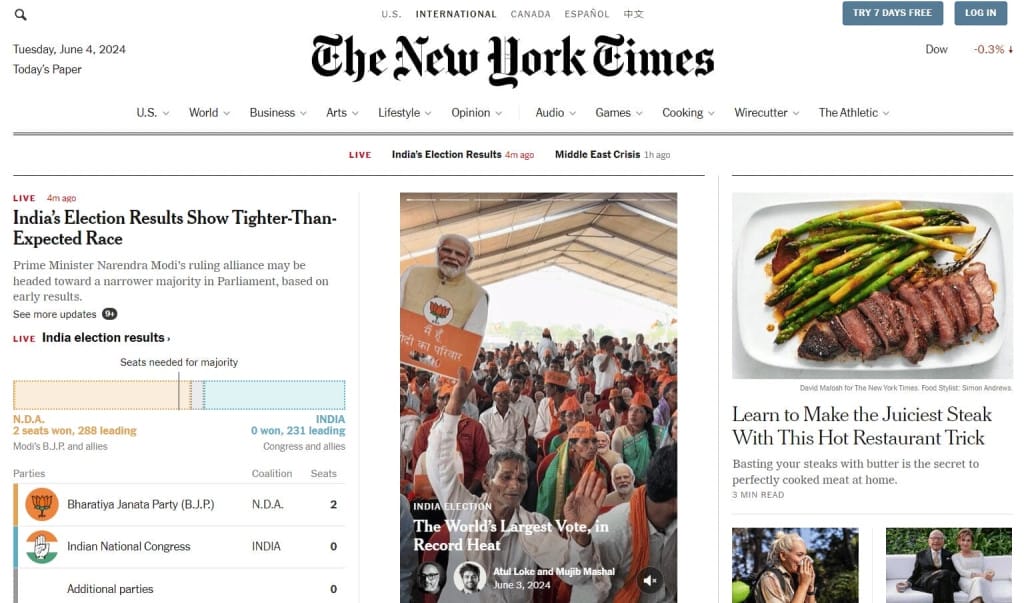
News websites also aim to inform, but they usually focus not on a specific industry, but on important events in the world or a specific region. An example is the website of The New York Times. It has many sections, including “U.S.” and “World,” which contain political news. The design, like many other websites of this type, is minimalistic. In this case, it also looks like a printed newspaper, which the developers achieved by using certain colors and fonts.
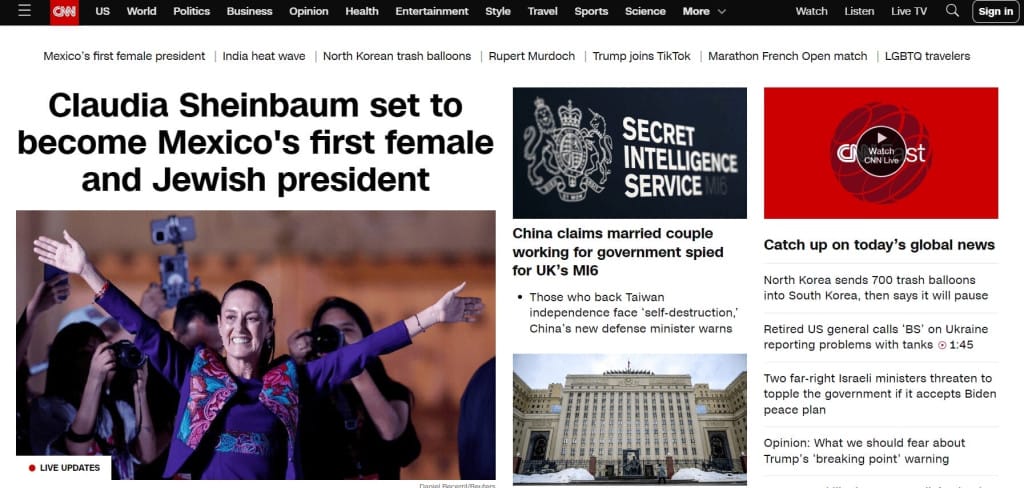
The news site CNN has a similar structure. It’s important to notice the functionality of such websites. News websites have to meet certain technical requirements, such as letting users watch Live TV, listen to Live Audio, have a personal account, and so on.
Encyclopedic websites
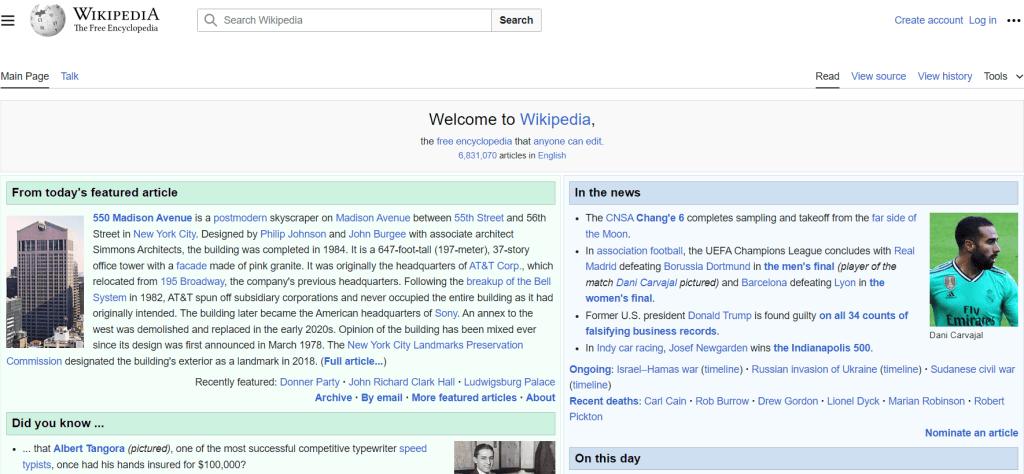
The most famous example is the free online encyclopedia Wikipedia.
Nonprofit organization websites
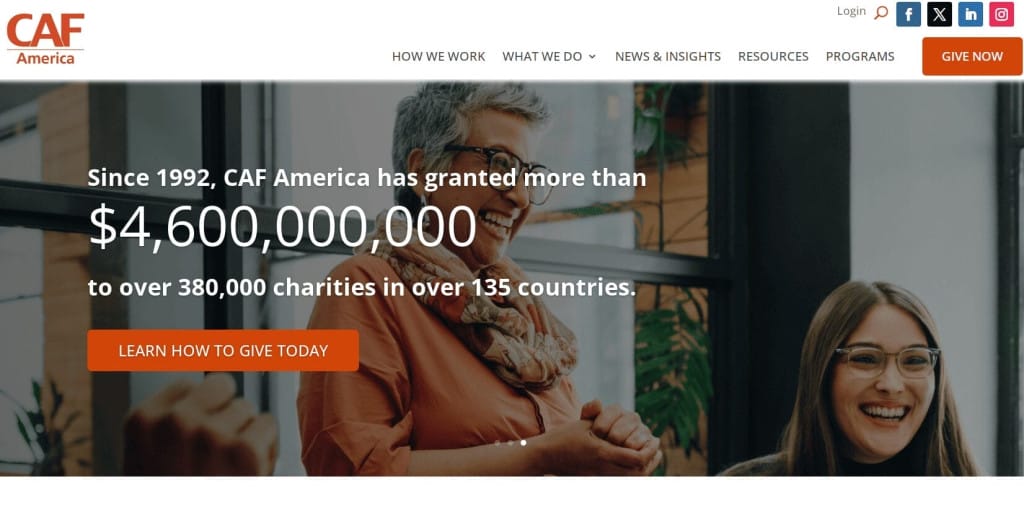
These websites help promote the organization online and are often used for fundraising. They don’t sell or advertise anything—they simply and emotionally share the mission and goals of the organization, like a charity foundation. These websites can describe specific projects and initiatives, list partners, and often include testimonials from people they help, event calendars, donation requests, or other calls to action like sharing on social media. One example is the website of CAF America.
Personal and image-building websites (business card websites)
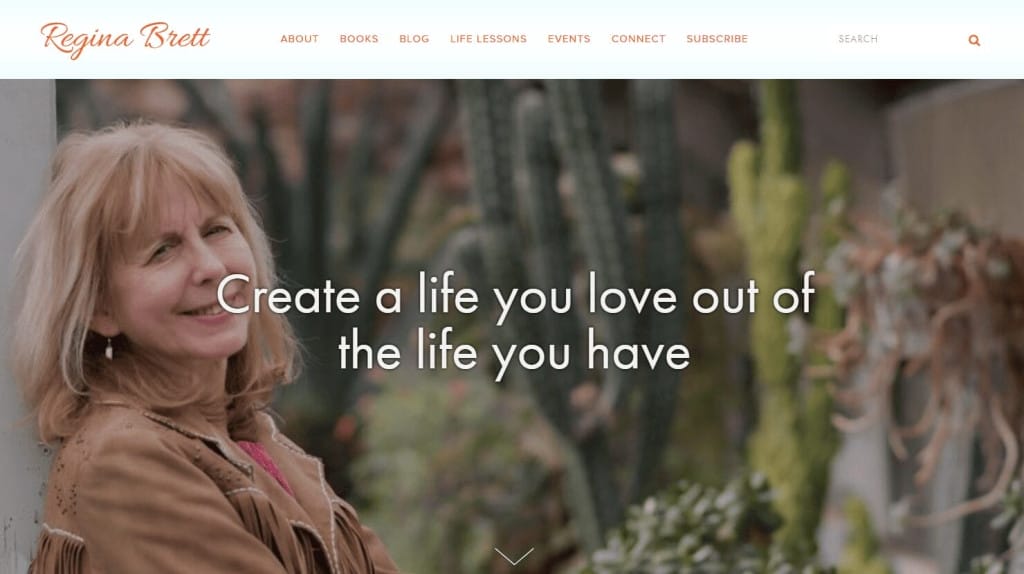
These websites might share the biography of a public person or business owner, or explain the mission, values, and work of a company. They help build the digital presence of a person or a whole team, which increases trust from potential clients. Often, the URL looks like “yourname.com,” such as the personal site of the writer Regina Brett.
Educational websites
Many websites publish educational content. These may be sites of preschools, schools, universities, tutors, or online courses. Some educational programs allow users to take different tests and register on the site, so they also work partly as marketing tools.
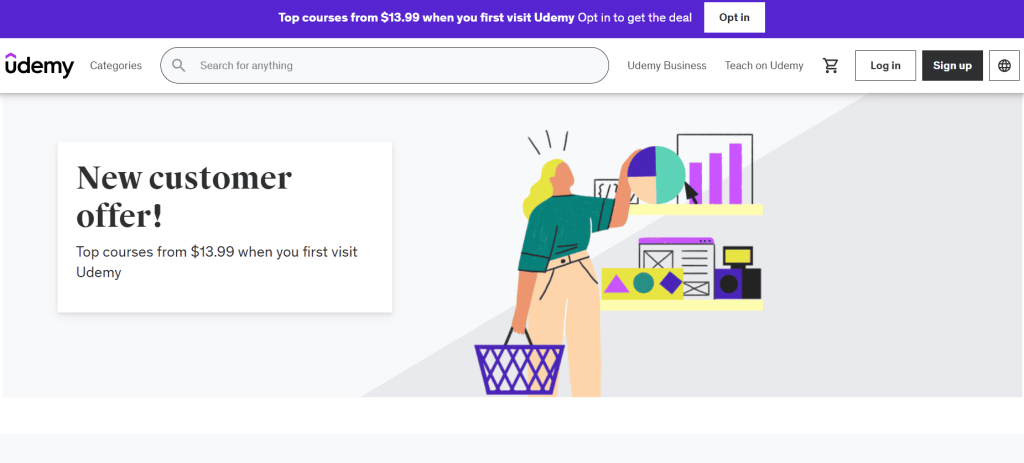
These websites often work as platforms for online courses, so they need strong and flexible functionality. Key features of an educational website can include a learning management system (LMS), selling courses and online programs, student portals, and payment systems. A good example is the website of the educational tech company Udemy.
Q&A websites
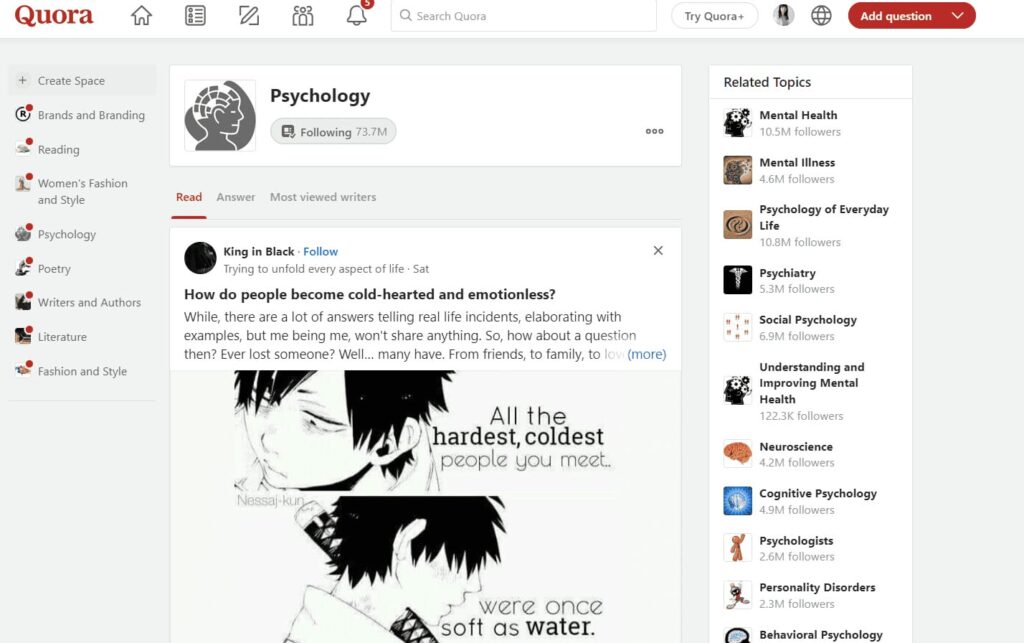
On the platform Quora , people can ask questions and get different answers from other users. It’s a place for discussions on many topics, where you can find comments from famous people and experts from different fields.
Government Websites
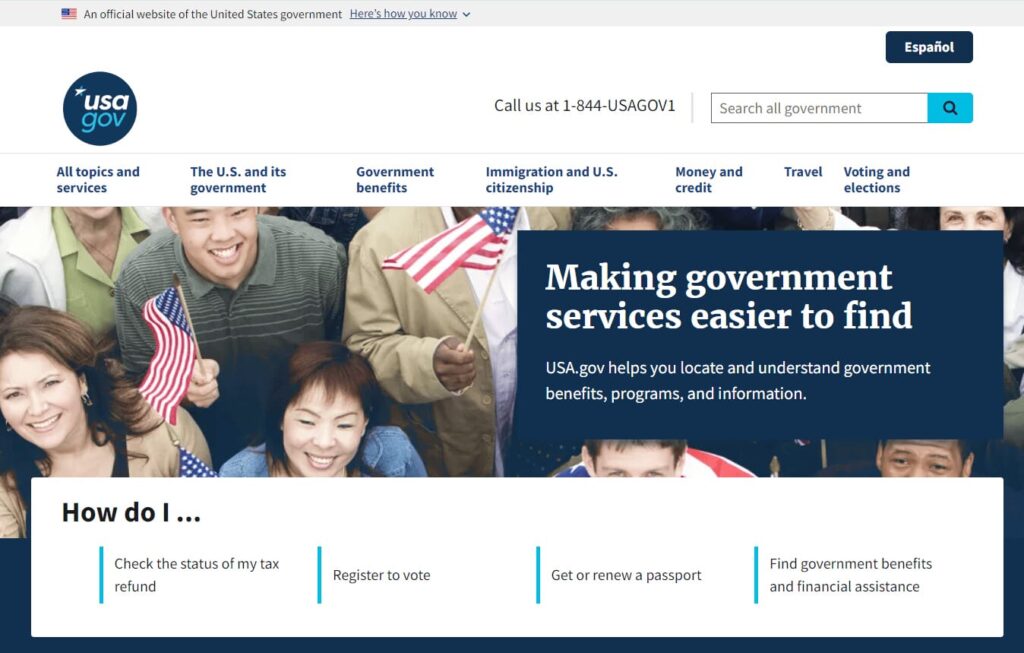
These websites act as “middlemen” between the public and the government—they deliver the most important information to citizens. Their role goes beyond just sharing news. For example, the official website of the United States lets users check the status of their tax refund, register to vote, get or renew a passport, and find government benefits or financial assistance.
Specialized Websites (Medical, Financial, etc.)
These are platforms for sending and tracking money transfers or reading financial news. One example is the Ripple website, which talks about international crypto transfers and offers tools to make them.

Online Portfolios
Freelancers and agencies can show their work online. For example, developers display coding projects, and marketers share in-depth case studies about how they helped clients reach business goals.
For photographers, designers, artists, and anyone in creative or digital fields, having a branded portfolio site is a must for successfully promoting services online. Key features include photo or video galleries and lots of storage space.
Knowledge Bases
For businesses in education, complex services, or B2B promotion, having a FAQ section is important to answer common questions about the product. Ideally, you should create a full knowledge base with easy navigation. This helps boost the site’s SEO, gives insights into customer search behavior, and reduces support costs.
Classified Ads Platforms
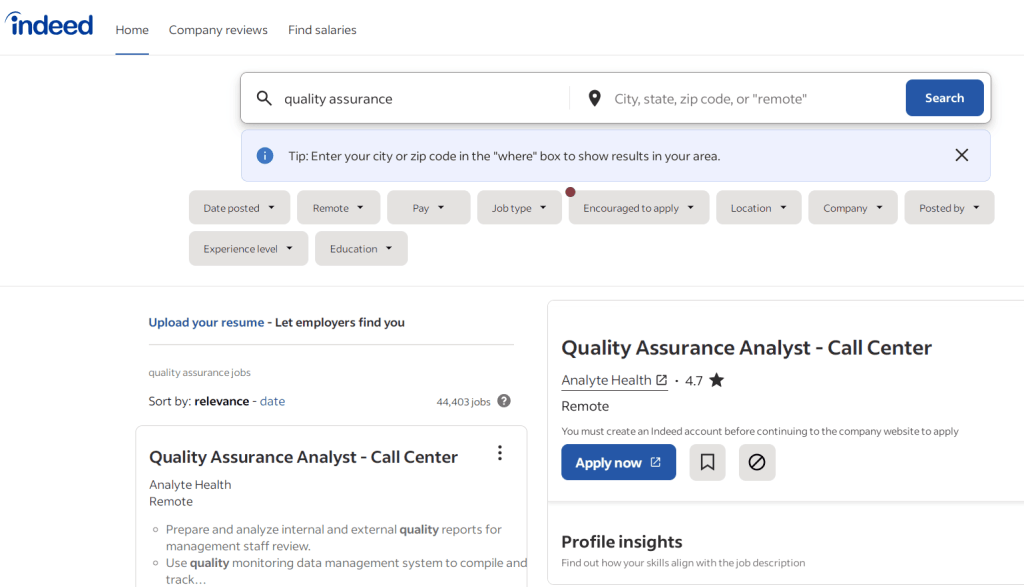
Sites for posting ads can be considered informational and commercial, as they let people share information while promoting services, products, or job openings—like how Indeed works.
Commercial Websites
E-commerce sites let companies track customer behavior through analytics tools. On one hand, they support large-scale marketing strategies. On the other, they make it easier for users to choose products or services, compare prices, and place orders—making the process smoother and offers more relevant.
📌 Read the article: Proper landing page structure and landing page blocks
Online Stores
Products in online stores are usually grouped by category. Even with a large amount of content, only a few page templates are needed since most follow the same layout. For example, besides the homepage, a designer might create templates for catalog sections, subcategories, product pages, and pages like “Cart,” “About,” “Warranty,” “Shipping,” and so on.
These websites usually include search bars, filtering and sorting tools, a personal account for tracking orders, and product recommendations. At any time, users can start the checkout process, enter shipping details, and pay for the order. That’s why store owners need a reliable payment gateway and must protect customer data.
Key features of modern e-commerce sites include product listings with variations (like size or color), inventory management, and features for using discounts, coupon codes, and gift cards.
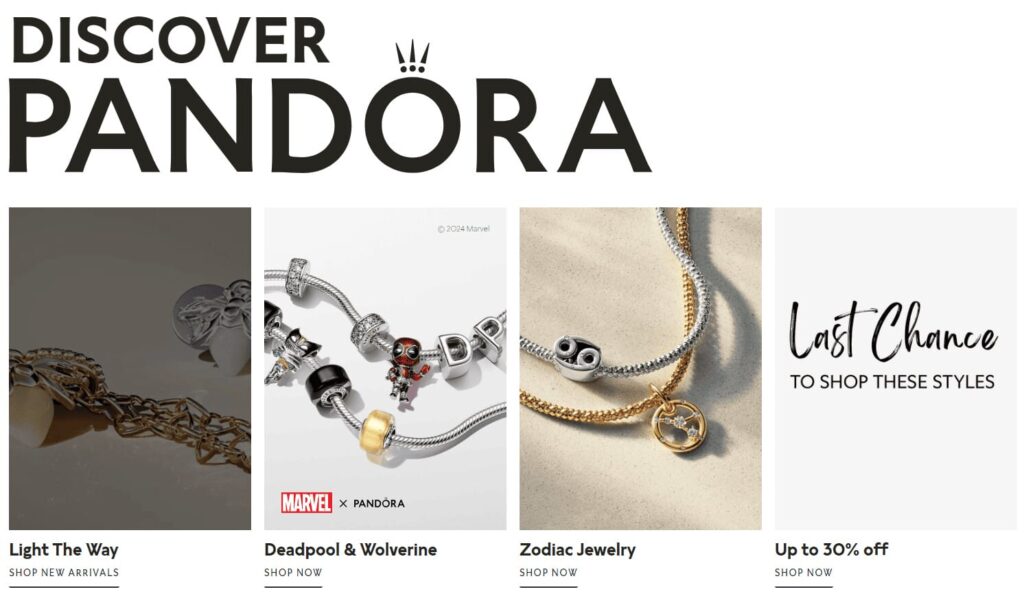
On Pandora homepage, you’ll find brand promotions, collaborations, trending collections, and ways to contact support. There’s a wishlist, and even promotional financing through a branded credit card. An online store may have a unique design and extra features, but core functions are usually the same across e-commerce websites.
Corporate Websites
These can be for internal use by employees of a specific company or serve as a public brand presence online—providing information for staff, customers, and partners.
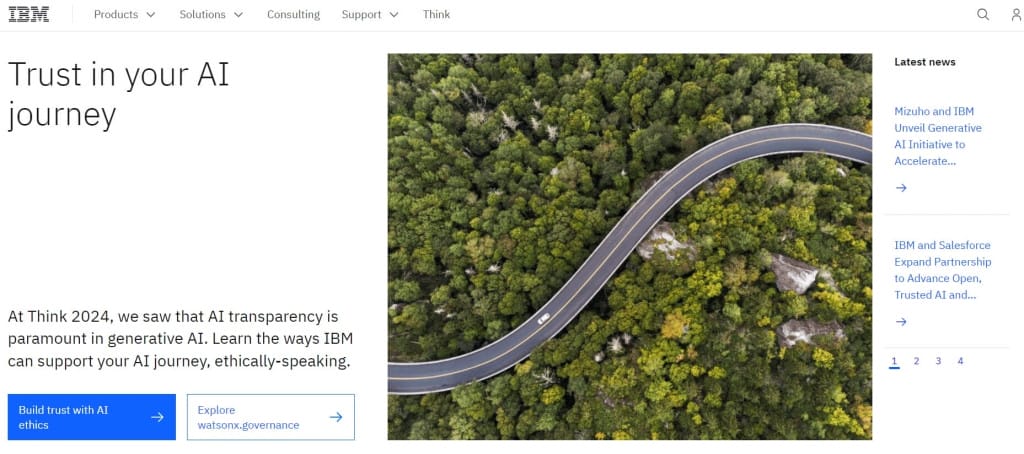
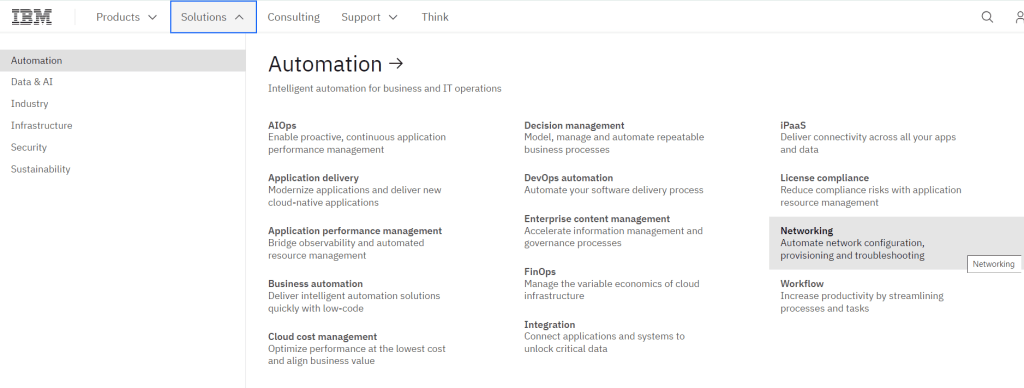
Sites like IBM have complex structures with many sections and subsections.
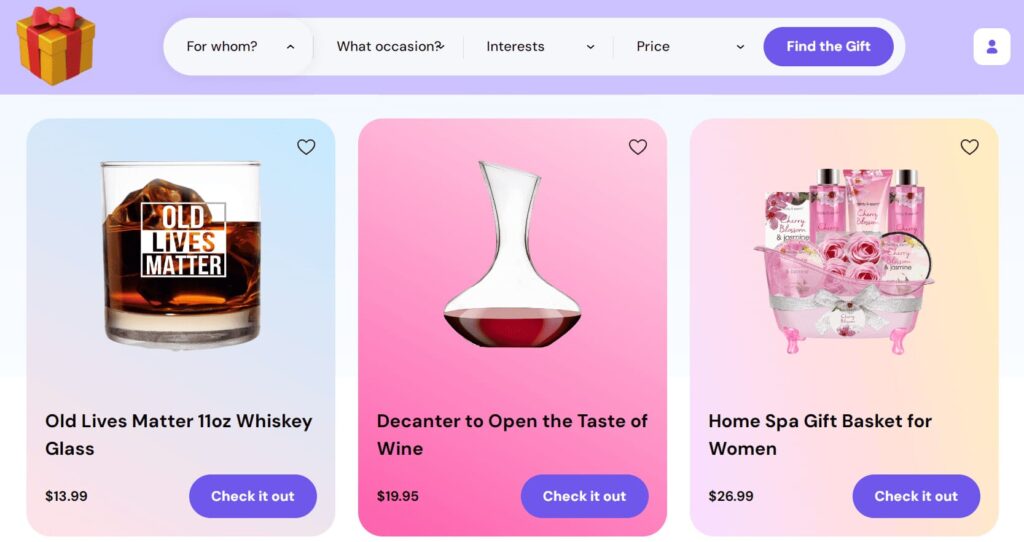
Some business websites feature niche products and have unique layouts. For example, Giftscoach lets users buy gift cards for any taste. The site’s key feature is advanced filtering, which helps users pick a gift for a specific occasion or person based on their preferences.
Business Websites
Business websites describe product or service offers, include calls to action, and lead generation forms. They often look like multi-page landing pages. Usually, these sites don’t have a lot of content. Their design is minimalistic, and the texts are short and motivating. They often promote services, consultations, and similar offers.
A good example is the personalized service for employers in the mental health field—Modern Health.
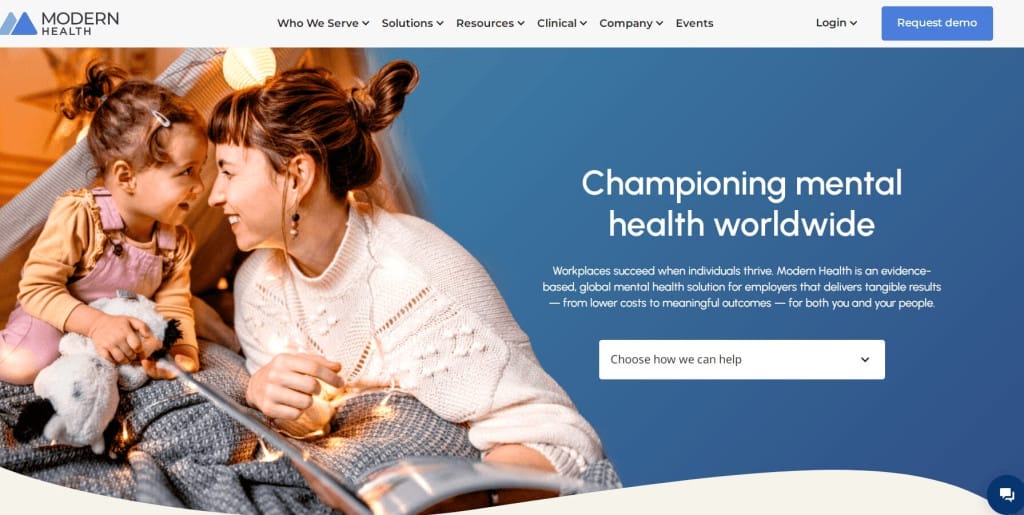
A business website builds the company’s brand and tone of voice. It is focused on the target audience. The writer talks to visitors in a friendly way and gives options to contact managers or other team members. Features often include booking an online meeting or appointment.
Price Aggregators and Directories
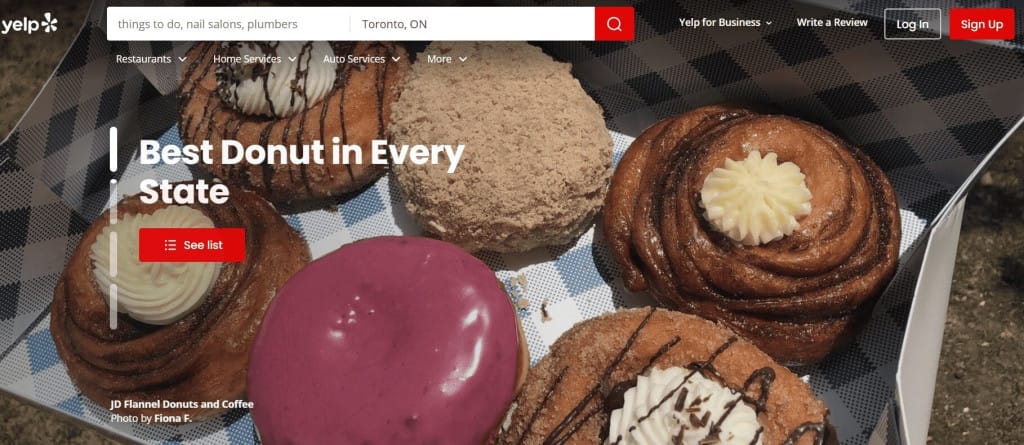
People use online directories to search for local businesses. Popular examples are Yelp, TripAdvisor, Care.com, and Foursquare. These websites let users register, make lists, leave reviews, and submit ads. This is useful for companies offering travel-related services like hotels and restaurants.
Often, these platforms let users search for places, professionals, or products by region and category. On Yelp, users can explore the local service market, check and post reviews, and see company ratings.
Web Applications (Online Services)
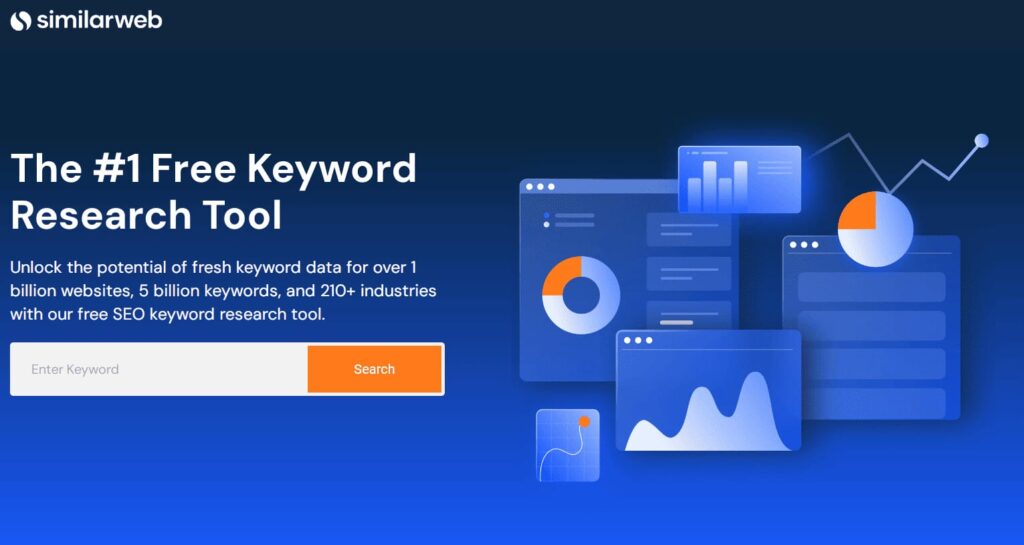
This includes online editors, email services, search engines, and more. An example is the keyword research tool Similarweb. You don’t need to download anything to use a web app—just sign up or follow the instructions of the specific service.
Booking Platforms
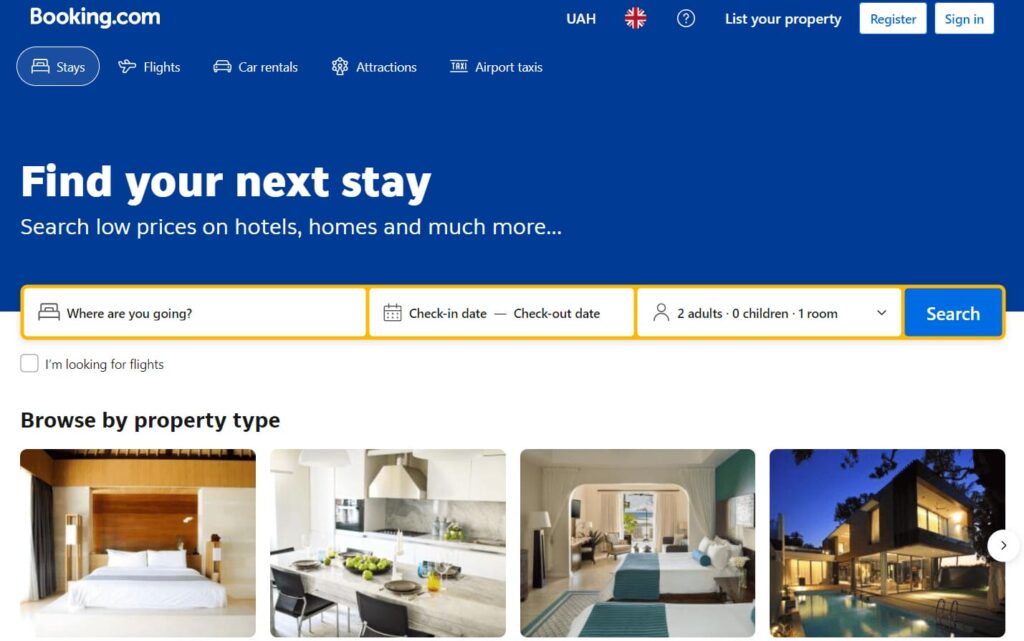
These tools help people search for and buy tickets or book places to stay. A common example is(Booking.com).
Landing Pages and Promo Pages
These pages are often made to test or promote a startup, special offer, or event like a webinar or livestream.
There are two main types of event landing pages—for registration and ticket sales, and for lead generation. After the event, the page often stays online so people can watch a recording or book tickets for future events.
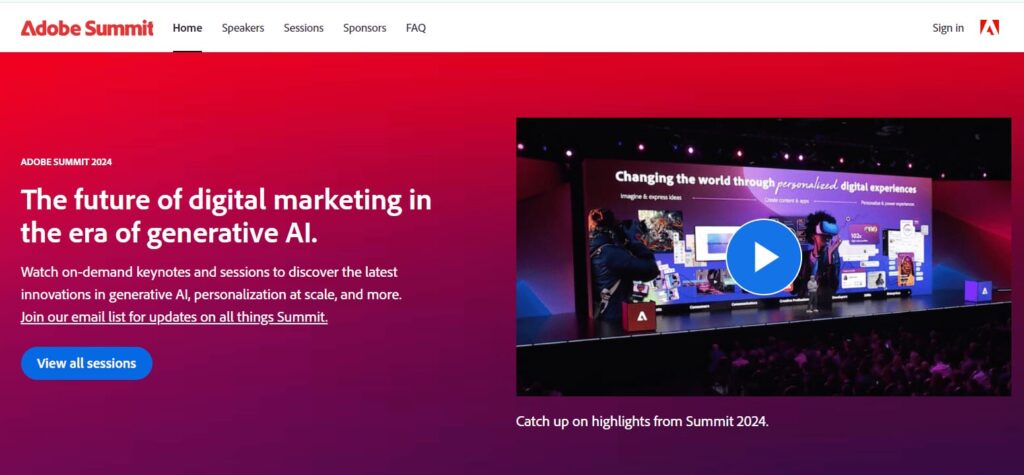
To collect contact information and details about potential clients, a promo page may offer a downloadable program, discount, or consultation sign-up. One example is a landing page for Adobe Summit.
Event pages are also used for personal events like weddings or birthdays. Some platforms let people design, publish, and sell tickets to their own events—like TicketMaster and Eventbrite. Still, a custom promo page in a brand’s style can convert better than just listing an event on a standard platform.
Affiliate Marketing Websites
These websites earn money from commissions on product sales. They focus on a niche and aim to bring in traffic.
Subscription Websites
Subscription sites are a lot like e-commerce sites because they are also used for online selling. But they also handle regular payments. Users get a dashboard to manage their subscriptions. These sites work well for companies offering paid memberships or product boxes (including magazines and books).
UGC (User-Generated Content) Sites
Websites don’t just inform or sell—they can also entertain. Even memes and funny videos often help sell something in the end. Relaxing content like this is usually free, but there may also be paid versions or extra features available for a fee.
Social Media
This is the most popular type of website. It gives lots of tools to registered users and uses its own ad and content display algorithms. Examples include Facebook, Instagram, and LinkedIn. Many also have mobile apps, built-in photo editors, analytics tools, and more.
Multimedia Platforms
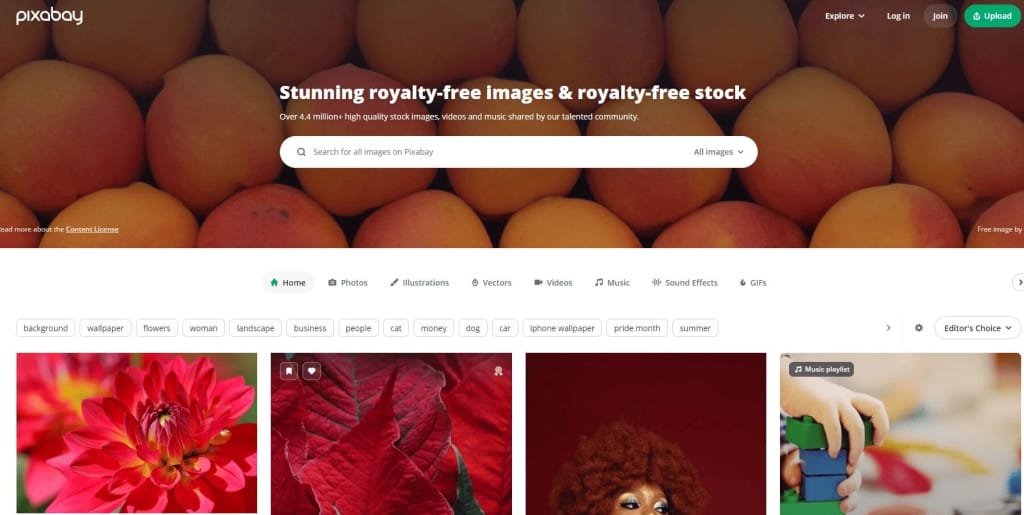
On platforms like YouTube, Pixabay, and other media resources, people often spend their free time or search for materials for work or study. This includes all websites with stock images, videos, music, podcasts, and books.
Forums
A forum is an online space where people can discuss different topics. Moderators make sure the conversations stay polite. These websites can work independently or be part of an informational site, like an educational platform. This also includes public discussion portals for proposed laws and online communities based on shared interests, like the parenting site “The Mom Forum.”

Entertainment websites also include gaming sites, where gamers can play with each other in real-time. Advertisers use these platforms to place relevant ads, helping site owners improve and promote their online services.
📌 Read the article: How to make a perfect lead magnet on a landing page?
The Difference Between Commercial and Nonprofit Websites
There are a few key differences between commercial and nonprofit websites.
- Mission and Goals
Nonprofit websites usually focus on social impact. They share information, raise funds for charity, build communities, entertain, or educate. On the other hand, commercial websites focus on selling products or services. - Design Elements
Nonprofit websites often have unique designs, unusual fonts, and a lot of text. Commercial websites usually have more complex navigation and many visual calls to action. Their design follows certain standards, especially for menus, product suggestions, and lead forms. Search bars, filters, and sorting tools help users find what they need more easily. - User Experience
Nonprofit sites aim for strong performance and easy navigation. Their developers want users to feel engaged and quickly find answers. Commercial websites focus on high conversion rates—turning visitors into customers or leads. - Content Features
Google expects high-quality content from both commercial and informational or entertainment sites. The search engine values original, helpful, and well-organized content. Articles should be written by people, not AI, and must be meaningful, expert-level, and well-structured (with bullet points, headings, and subheadings). Since commercial websites are focused on sales, most of their content—text, images, or videos—is designed to drive purchases. - SEO Strategies
Commercial websites often rely on paid ads to quickly boost visibility with their target audience. In contrast, nonprofit organizations often use SEO to get traffic. Keyword research and publishing optimized content are useful for any site, but for blogs or news portals, it’s the main way to grow. For online stores or company pages, it’s a helpful extra tool.
It’s also important for informational websites to get backlinks from other trusted sites. Some commercial sites, like service agencies, use this method too.
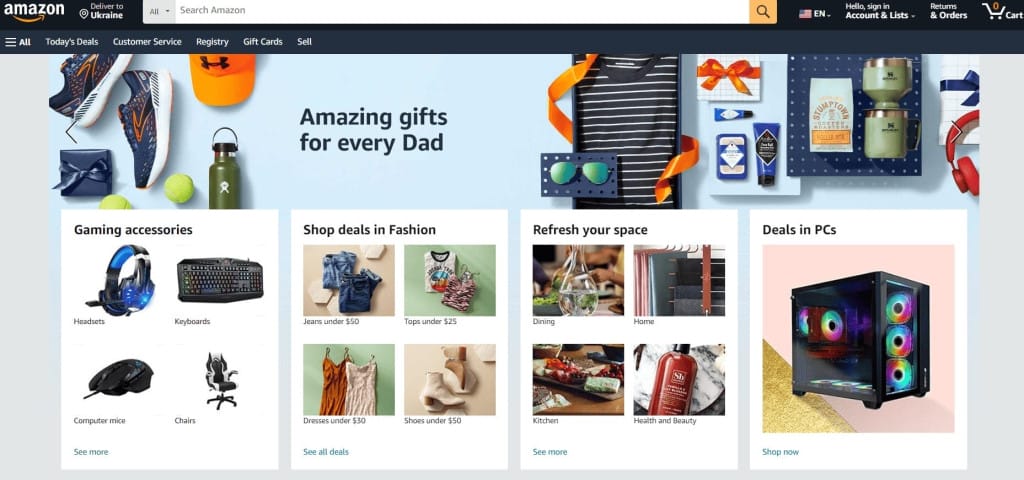
There are several e-commerce platforms for building online stores, including Shopify, WooCommerce, Magento, and BigCommerce. Amazon is the largest e-commerce website in the world.
Conclusion
The type of website you choose depends mostly on its purpose. Online stores are usually used for selling products, while business websites with a few pages—designed like landing pages with simple structure and clean design—are better for promoting services.
The easiest way to classify websites is by their purpose.
- Informational websites include blogs, news sites, educational and government websites, and nonprofit organization pages.
- Commercial websites include online stores, business websites, promo pages, corporate portals, and catalogs.
- Entertainment websites include social networks, multimedia platforms, and similar sites.
You can change the type of a website over time, but this process takes a lot of work. It’s much better to plan the design and features of the site ahead of time and build it with future goals in mind.
By looking at popular references, you can choose the best type of website for your case. Depending on your budget and site requirements, you should decide how the site will be built—for example, using a CMS or a free website builder—and then create a structure prototype and content plan. Your site may combine features of an online store and a blog or include other types of web content. The most important thing is that it meets its main goals and is useful for your target audience.
Frequently Asked Questions
The three main types are informational (like blogs and news sites), commercial (like online stores and corporate sites), and entertainment (like social media and multimedia platforms).
Google’s search engine and YouTube are the most visited websites in the world.
Depending on the classification, there are over 30 types. But usually, they fall into three main categories (informational, commercial, entertainment) or about 10 of the most common types (like online stores, news sites, blogs, catalogs, etc.).
Websites can be grouped by how they are built: HTML websites, CMS-based websites, website builders, Flash sites, Parasol Island, single-page applications (SPA), and web apps built with frameworks. But the most popular method is by purpose.
Yes, Google organizes websites to show the best search results. So, when creating a website, it’s important to choose the right type for Google—like educational, entertainment, and so on. This helps your audience find the most relevant information on your pages.
The best-known website builders are WordPress, Wix, Hostinger, Squarespace, Weebly, GoDaddy, and Shopify. The best choice depends on the features you need. For example, Shopify is especially good for eCommerce.
-
Tags
